
 Trustpilot
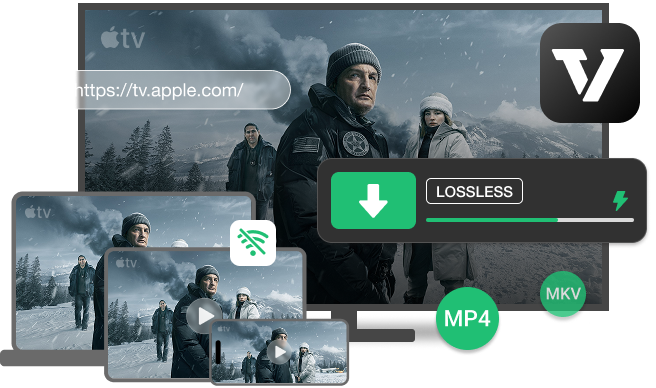
 Download Apple TV Videos
 Convert Apple TV to MP4 and MKV
 Customize Apple TV Video Quality
 Multilingual Audio Tracks and Subtitles
 Offline Playback on Multiple Devices
The native Apple TV experience is great for streaming in 4K HDR or 4K Dolby Vision. However, things could be totally different for offline viewing. It has many download restrictions due to Apple's Digital Rights Management and subscription model. That is where DRmare Apple TV Downloader comes into place. It can download your favorite Apple Originals across every genre and category, including Movies, Dramas, Comedies, Sci-Fi, Kids & Family, and Nonfiction, for offline playback forever with zero limitations.
 Unlimited Device
 No Time Limit
 Unlimited Regions
 Browser Download
 Without Subscription

The Apple TV app restricts downloads to a limited number of authorized Apple devices (up to 10 per Apple ID, with a lower limit for simultaneous streams or downloads across family groups). Also, you cannot download Apple TV movies and shows on Apple TV boxes, smart TVs, or streaming devices. But with DRmare Apple TV Video Downloader, you can download Apple TV series into local files. This gives you the freedom to watch your videos offline on as many devices as you want, simultaneously.
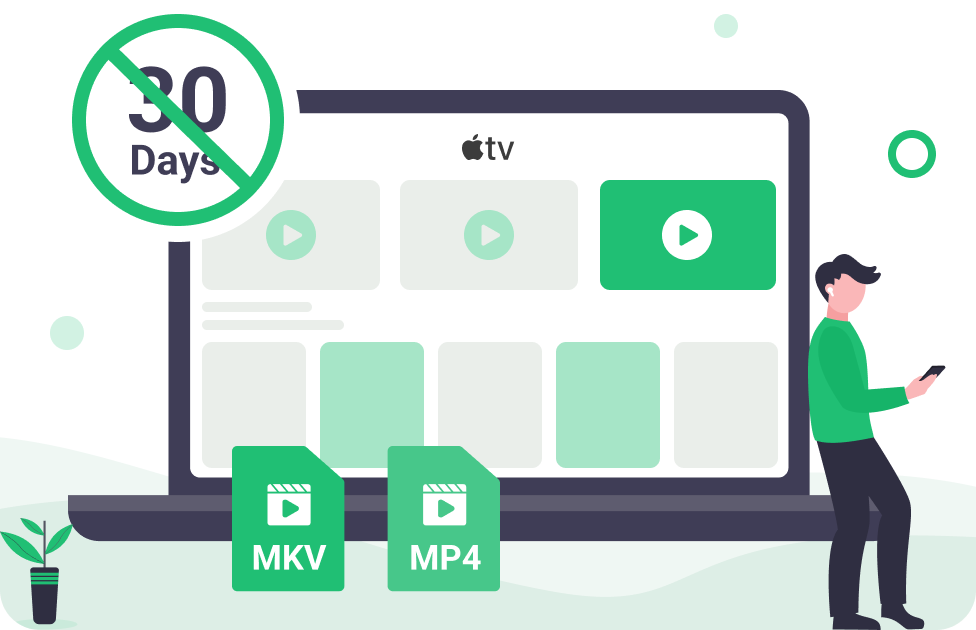
Official downloads from Apple TV Channels are temporary files. They are only available for up to 30 days without reconnecting to the internet to verify your Apple TV subscription. Besides, downloads can be removed entirely if the show or movie is taken off the Apple TV service. DRmare Apple TV Plus Downloader can remove all time limits and help you keep and watch your files indefinitely, regardless of when you view them next or if the content leaves Apple TV.
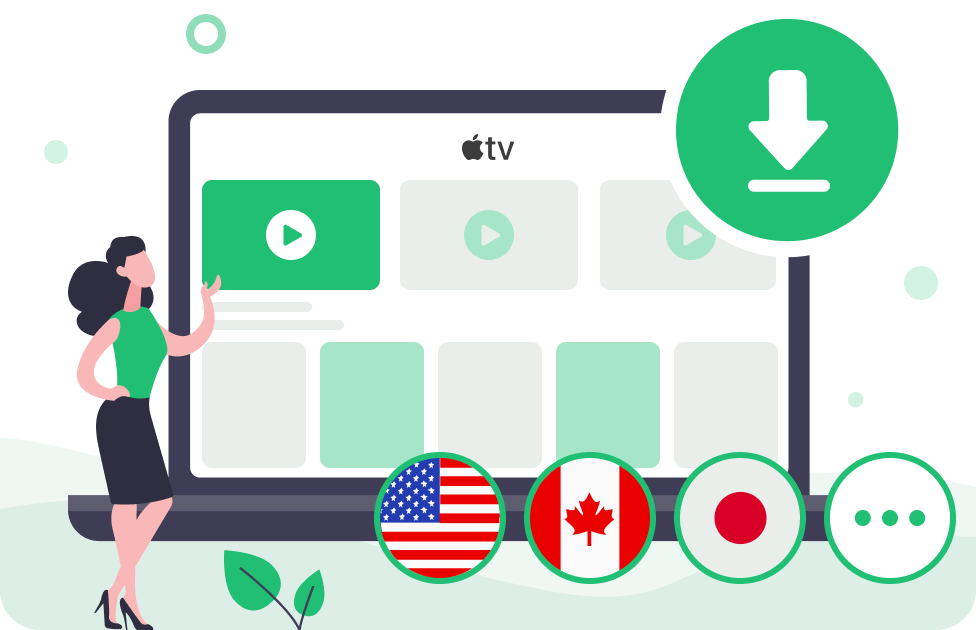
Content licensing agreements often dictate that the library of movies and shows available on Apple TV can vary significantly depending on your geographic location. This can lead to frustration when traveling or trying to access content available in another country. This powerful Apple TV video converter is well-designed to access and download content from any region, allowing you to bypass regional restrictions. You can build a comprehensive global library for viewing anywhere.

You can download Apple TV videos on iPhones, iPads, Android phones, Macs, PCs, and Apple Vision Pro officially for offline watching, but it relies on the Apple TV app. The convenient browser-based web player (tv.apple.com) only allows streaming. DRmare AppleTV Downloader utilizes the built-in Apple TV Web Player interface, enabling you to seamlessly auto-download the full-quality TV shows and movies on Mac and Windows PC without installing the Apple TV app.

The biggest drawback of Apple TV and other streaming video services is that your entire library vanishes the moment you cancel your plan. Your access is a rental, not ownership. Since the Apple TV shows downloaded from DRmare Apple TV Video Downloader are permanent and unprotected video files, you retain full access to every download long after you end your Apple TV subscription. It transforms your monthly access into a long-term media collection.

Every single download from an Apple TV subscription is encrypted and can only be played within the Apple ecosystem. Here, DRmare Apple TV Plus Downloader gives you the ability to strip the protection and bulk download episodes and movies on Apple TV to MP4 and MKV at a speed up to 5 times faster than real-time playback.
This means you can download a full-length Apple TV video in just minutes. You can play favorite shows on any media player and transfer them to a USB or external hard drive to free up your device storage while ensuring offline access forever.

The official Apple TV app requires you to select and download each episode in a show individually by tapping the download button next to each one. DRmare Apple TV Downloader effectively addresses this shortcoming, preventing wasted time and missed content.
Its powerful Batch Download feature can automatically detect and list all available seasons and episodes. You can simply select wanted episodes in the entire season or the entire show and start the download process with a single click.

Even with a solid internet connection, sometimes, streaming 4K HDR or 4K Dolby Vision video can lead to frustrating buffering issues. The DRmare Apple TV Downloader steps in to restore full control over your media playback. It allows you to custom-tune the output settings for perfect playback balance.
You can manually select the most suitable video encoding technology, such as the widely compatible H.264 or AVI, and choose from various video quality levels, including High (up to 1080P), Medium, or Low. It ensures the downloaded Apple TV video provides stunning visual detail that displays beautifully on large-screen TVs.
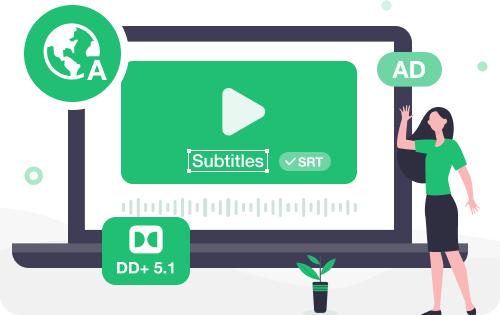
DRmare Apple TV Video Converter can automatically detect all available language tracks and subtitles that are present in the original Apple TV stream (e.g., English, Spanish, French, German, etc.). It allows you to select and export multiple subtitles and audio tracks in different languages in the MP4 or MKV video file.
You don't have to settle for basic stereo. DRmare Apple TV Downloader preserves the full EAC3 5.1 or AC3 5.1 surround sound audio tracks in the Apple TV series. It delivers a rich, three-dimensional cinematic experience with distinct dialogue, effects, and ambient sounds, keeping the impact of the original production.
It detects and downloads all available subtitles on Apple TV videos, including both standard foreign language translations and Closed Captions (CC) or Subtitles for the Deaf and Hard-of-Hearing (SDH). You can choose to embed these subtitles directly into the video file or save them as separate and independent SRT files.
For accessibility, DRmare Apple TV Plus Downloader provides an option to retain the Audio Description (AD) track, which provides verbal narration of key visual elements for viewers who are blind or visually impaired. Therefore, all downloaded Apple TV content is fully compliant and accessible to all viewers.
The DRmare Apple TV Video Downloader offers more than just downloads; it delivers an unrestricted, reliable, and high-quality offline viewing experience, even for unsupported devices, such as Apple TV boxes, smart TVs, streaming devices, and some game consoles. It provides tailored offline playback solutions for different user groups across various devices.
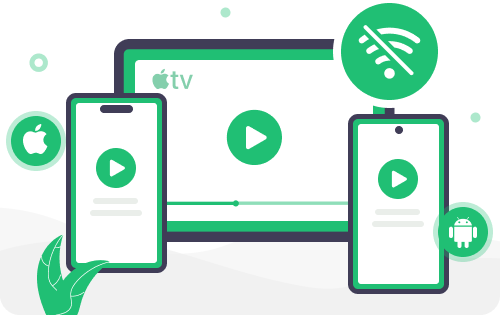


 For Business Traveler: Reliable Mobile Viewing
 For the professional constantly on the road, easy access to entertainment is essential, particularly where internet access is spotty or nonexistent. By using DRmare Apple TV Downloader, you can download MP4 from movies and shows on Apple TV and transfer them to an iPhone, iPad, or Android device for offline watching without authorization when 30,000 feet in the air.
 For Apple Ecosystem Family Manager: Easy Sharing on Any Screen
Families need an easy-to-use way to manage their large content libraries and ensure smooth playback across various devices, from smart TVs to children's iPads. By virtue of the DRmare Apple TV Video Downloader, you can easily download and load content to USB drives or a home media server. After that, the whole family can watch Apple TV movies offline on a large-screen smart TV, while children can watch their favorite shows on their tablets before bedtime.
 For Digital Content Collector: High-Fidelity Archival Playback
Collectors value ownership and fidelity, seeking to permanently preserve the highest-quality version of media in case the platform removes it. Thanks to DRmare Apple TV Downloader, you can download and save Apple Originals to your local desktop or laptop in lossless quality. They can be watched offline for years from now on any powerful home theater system or computer.

Go beyond just Apple TV movies and TV shows. You can save your favorite sports content right from the MLS Season Pass.

Queue dozens of movies or multiple entire seasons and easily pause and resume the entire batch download at any time.

It intelligently scans your download library. Before downloading, you can one-click to skip all downloaded movies or episodes.

With the integrated Apple TV web player, you can directly browse or search for content by typing keywords or a URL link.

It automatically fetches and embeds key metadata (information like the show title and season number) into the downloaded file.

All Apple Music downloads are a permanent, personal backup that never expires and will remain playable without a subscription.
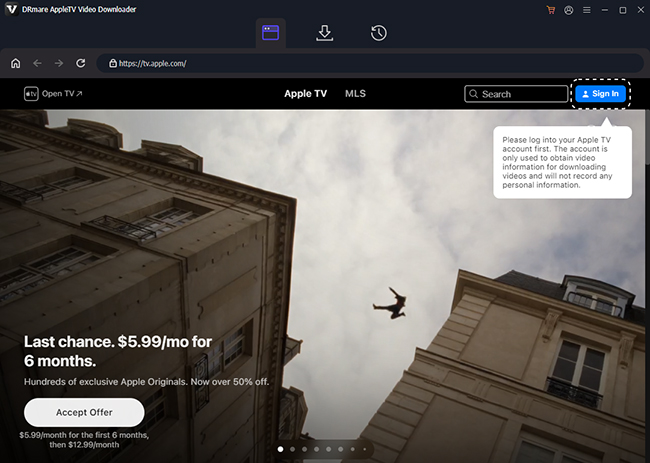
Launch the downloader and click the "Sign In" button in the built-in browser to log in to your Apple TV account.
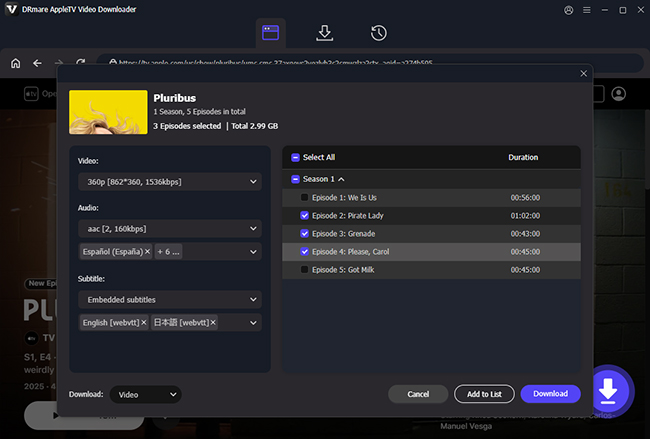
Navigate to the movie or series you want to save. Click the "Download" button and choose your settings, output format, video and audio quality, and subtitle.
Click the new "Download" button to download and convert Apple TV videos to MKV or MP4 on your local computer.


I bought an MLS Season Pass subscription, but I travel for work constantly. It's impossible to watch live games, and the "download" in the Apple app is unreliable. I used this downloader to save the last three LAFC matches on my laptop's hard drive. Nice tool.
-David Miller

Apple TV downloads were locked to my Mac, they expired after a month, and I couldn't watch them abroad. I bought DRmare primarily for the batch downloading feature. Surprised, being able to click once and download an entire 10-episode season.
-Michael Walker

The fact that I couldn't archive shows like Ted Lasso or Foundation was driving me crazy. This tool is the holy grail. The batch download of all episodes can save my time. It's all complete with all metadata and SRT subtitle files. The 5.1 audio track was preserved.
-Sarah Wilson
Do I need an Apple TV subscription to use DRmare?
Yes, you must have an active Apple TV+ subscription and authorize your account in DRmare to successfully download and convert videos.
Will Apple ban my account for using DRmare?
No. Our software operates like a secure, specialized web browser to access the content. It does not "hack" your account or send any suspicious flags. Your account's safety is a top priority.
Can I view Apple TV offline on multiple devices?
Yes. Once DRmare converts the content to MP4 or MKV, you can copy the file to any device, including Android phones, Windows laptops, tablets, or external hard drives, and play it at the same time.
How to watch Apple TV on TV without crashing?
Use DRmare to download local video files on your computer. You can then play Apple TV through a dedicated media player on most smart TVs without streaming crashes or buffering.

Mass Download, Zero Limits: Use Apple TV Plus downloader for Mac and Windows to download movies and TV shows to MP4 or MKV, keep and watch them on every device without a subscription.
 System Requirements:
Windows 7/8/10/11.
Mac OS X 10.13 or higher
 Rating:
4.9 / 5.0


 Pricing:
Starting at $39.95
 Supported Formats:
MP4 and MKV











DRmare Apple TV Downloader fills the gap in offline viewing functionality for smart TVs. It successfully downloaded movies, TV series, and even an MLS season pass match, saving them as MP4 files for watching on devices such as LG Smart TVs and Samsung Smart TVs.
This Apple TV Downloader is a tool of brute-force convenience. It solves a problem that Apple created: you can't keep your downloads, they expire, and they're locked to Apple's ecosystem. This software breaks those locks and helps you play shows and movies without any issues.
This tool shines by converting Apple TV videos to MP4/MKV files that are instantly playable on any device, from your Android tablet to your home Plex server. It's praised by users for its blazing-fast batch conversion, which allows you to grab an entire season with one click.